

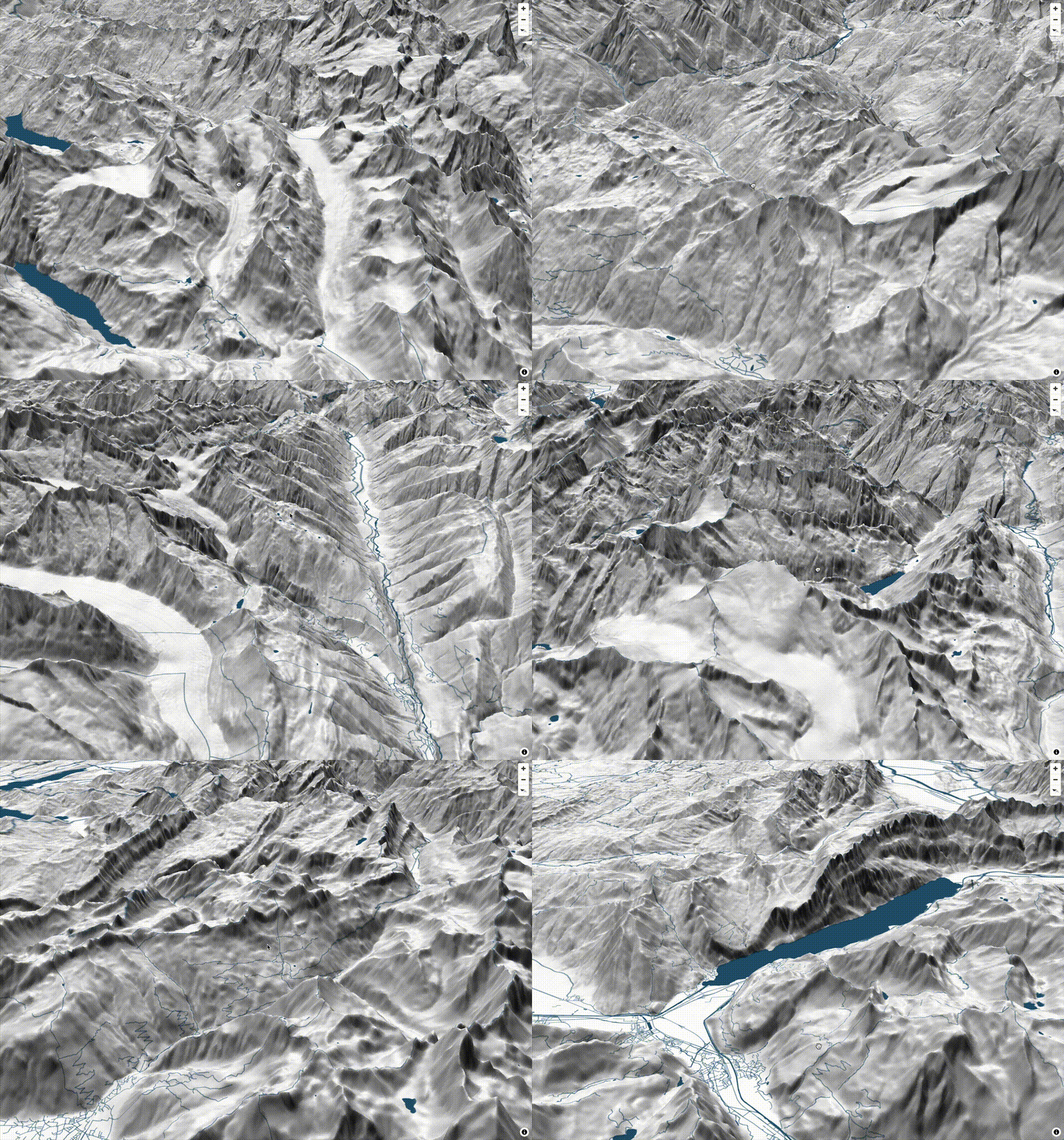
Mapterhornについて

みなさんは、MapterhornというGeospatialなプロジェクトを知っていますでしょうか?
Mapterhornは、地形データを公開するオープンデータプロジェクトです。ESAのCopernicus DEMやスイスのswissALTI3Dなど、さまざまなオープンデータソースから地形タイルを作成し、PMTiles形式で配布しています。このプロジェクトは、元MapLibreのOliver-sanが中心となって進めています。
今年のFOSS4G HokkaidoやFOSS4G Japanの発表でも、今後注目のプロジェクトとして紹介させていただきました。
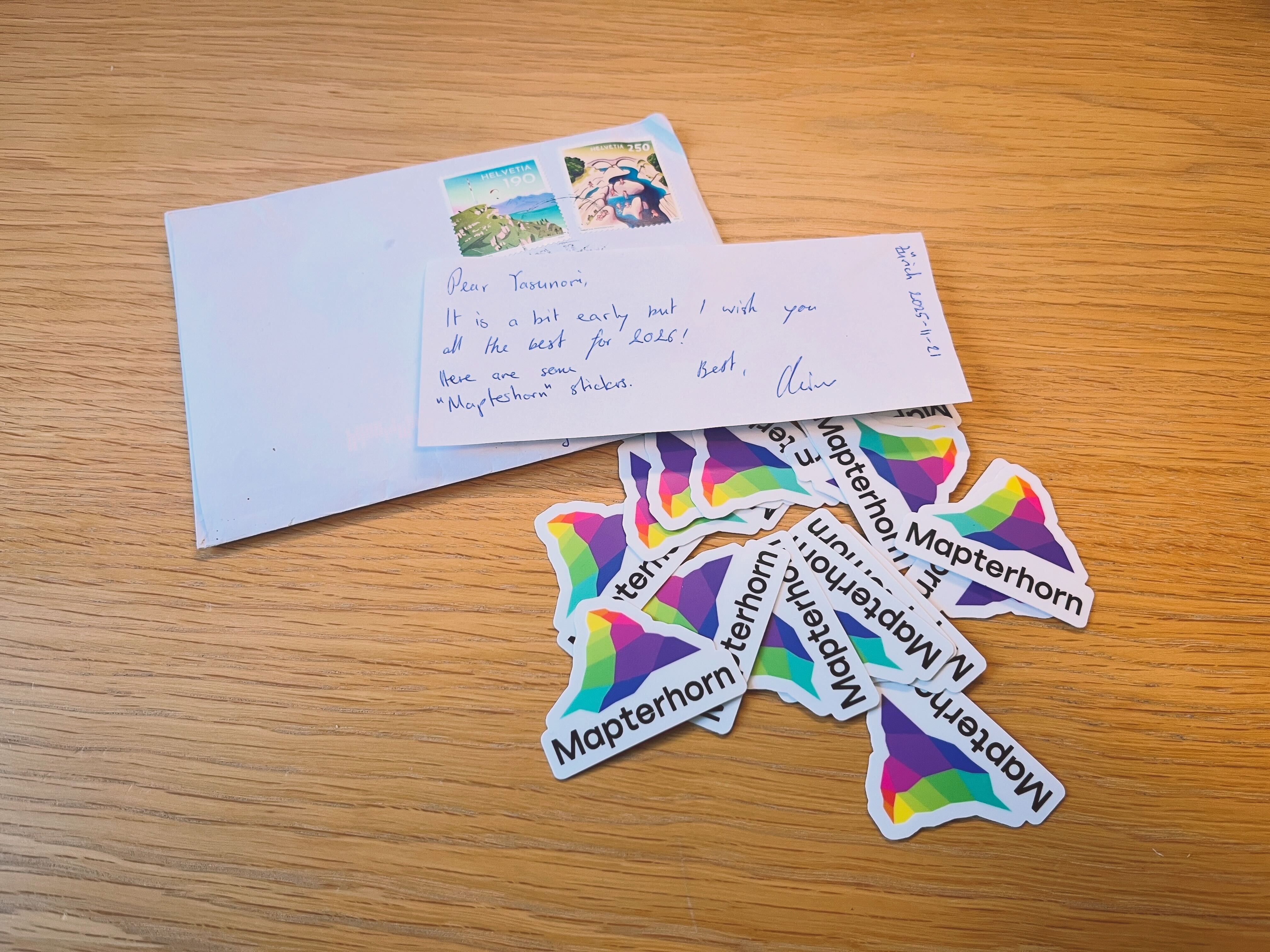
また、先日Oliver-sanからMapterhornステッカーが届きました。ほしい方がいましたら、お渡ししますのでぜひご連絡ください!
今後、日本でも利用が広がるツールになる可能性を秘めているので、ぜひチェックしてみてください!
データ整備状況
Mapterhornは、複数のオープンデータソースを組み合わせて地形タイルを作成しています。
全球データ
| データソース | 解像度 | ズームレベル | 備考 |
|---|---|---|---|
| Copernicus GLO-30 | 30m | z0-z12 | ESAの全球DEM |
全球データは、ESAのCopernicus GLO-30モデルをベースにしており、全世界をz12までカバーしています。
高解像度データ
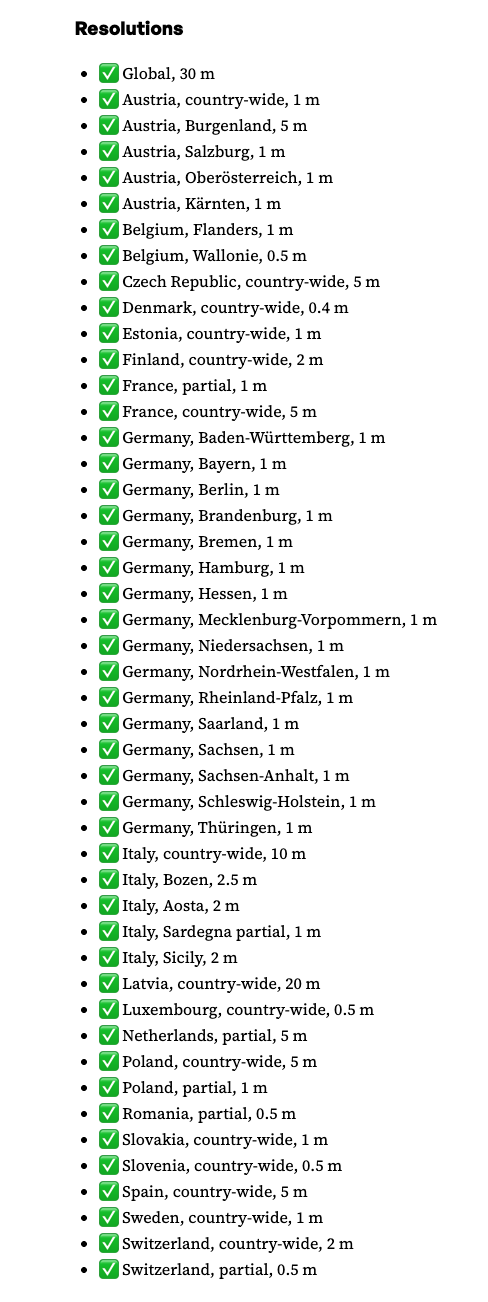
全球データとは別に、主にヨーロッパ各国のオープンなDEM/LiDARを使った高解像度データも提供しています。特にスイスでは、swisstopoが提供するswissALTI3Dを採用しており、0.5mという高い解像度の地形データが利用可能です。
日本のデータ
2025年12月現在、日本はCopernicus GLO-30ベースの全球データが利用可能で、高解像度データは利用できません。オープンデータプロジェクトなので、日本のデータソース追加のコントリビュートチャンスかもしれません。
2025.12.30 追記
日本にも高解像度データが追加されました。
✅ Japan, country-wide, 1 m, 5 m, 10 m
LinkedIn
Add sources jp*: Japan, 1m, 5m, and 10m
事前準備
実行環境
- node v24.4.1
- npm v11.4.2
MapLibre GL JS スターター
MapLibre GL JSのスターターをローカル環境にforkまたはダウンロードし実行します。
全体構成
maplibregljs-starter
├── dist
│   └── index.html
├── img
├── src
│   ├── main.ts
│   ├── style.css
│   └── vite-env.d.ts
├── README.md
├── LICENSE
├── index.html
├── package-lock.json
├── package.json
├── tsconfig.json
└── vite.config.ts
パッケージをインストールします。
npm installPMTilesを追加でインストールします。
npm install pmtilespackage.json
{
  "name": "maplibregljs-starter",
  "version": "4.5.0",
  "description": "",
  "scripts": {
    "dev": "vite",
    "build": "tsc && vite build",
    "preview": "vite preview"
  },
  "keywords": [],
  "author": "MapLibre User Group Japan",
  "license": "ISC",
  "devDependencies": {
    "typescript": "^5.5.2",
    "vite": "^5.3.2"
  },
  "dependencies": {
    "maplibre-gl": "^4.5.0",
    "pmtiles": "^4.3.0"
  }
}
マップアプリケーション作成
Mapterhornの地形データを表示します。src/main.tsを修正します。
import './style.css';
import 'maplibre-gl/dist/maplibre-gl.css';
import maplibregl from 'maplibre-gl';
import { Protocol } from 'pmtiles';

const protocol = new Protocol({ metadata: true });

maplibregl.addProtocol('mapterhorn', async (params, abortController) => {
    const [z, x, y] = params.url.replace('mapterhorn://', '').split('/').map(Number);
    const name = z <= 12 ? 'planet' : `6-${x >> (z - 6)}-${y >> (z - 6)}`;
    const url = `pmtiles://https://download.mapterhorn.com/${name}.pmtiles/${z}/${x}/${y}.webp`;
    const response = await protocol.tile({ ...params, url }, abortController);
    if (response['data'] === null) throw new Error(`Tile z=${z} x=${x} y=${y} not found.`);
    return response;
});

const map = new maplibregl.Map({
    container: 'map',
    hash: 'map',
    style: {
        version: 8,
        sources: {
            hillshadeSource: {
                type: 'raster-dem',
                tiles: ['mapterhorn://{z}/{x}/{y}'],
                encoding: 'terrarium',
                tileSize: 512,
                attribution: '<a href="https://mapterhorn.com/attribution">© Mapterhorn</a>'
            }
        },
        layers: [
            {
                id: 'hillshade',
                type: 'hillshade',
                source: 'hillshadeSource'
            }
        ]
    },
    center: [138.7782, 35.3019],
    zoom: 10
});

map.addControl(
    new maplibregl.NavigationControl({
        visualizePitch: true
    })
);
ローカルサーバーを起動します。
npm run dev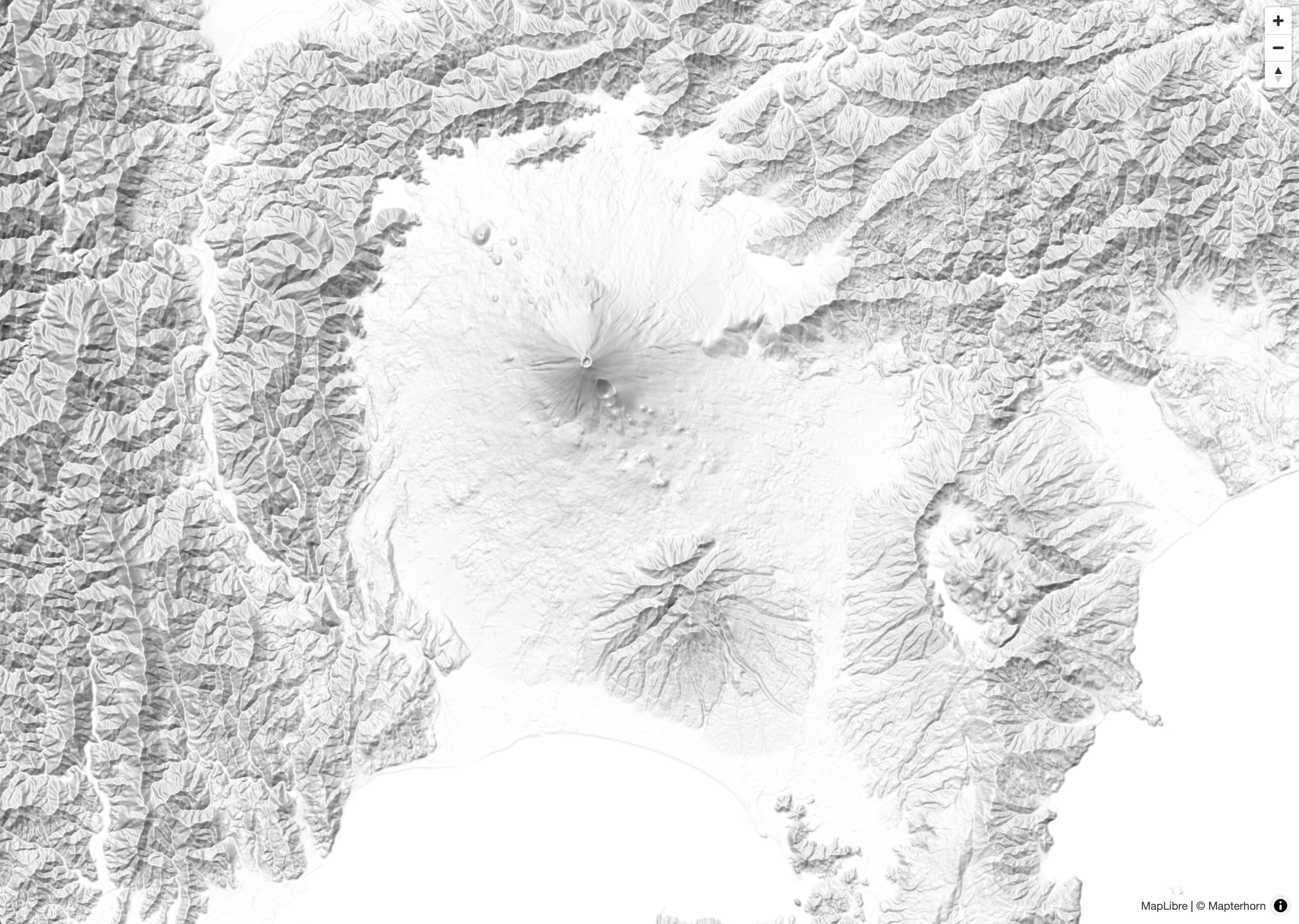
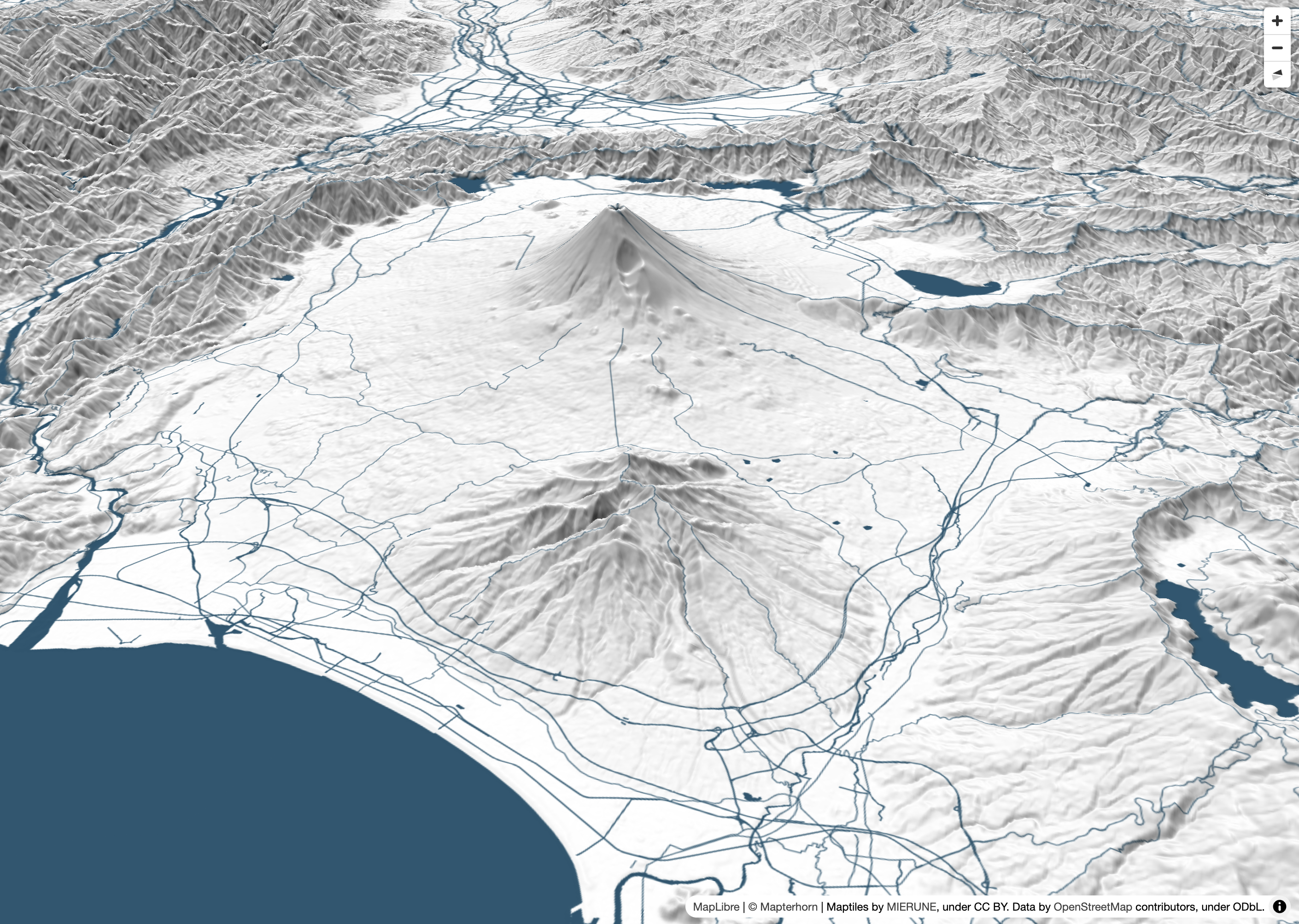
最後に、3D地形表現を追加します。MapLibre GL JSのterrain機能を利用することで、地形の3D表示が可能です。
import './style.css';
import 'maplibre-gl/dist/maplibre-gl.css';
import maplibregl from 'maplibre-gl';
import { Protocol } from 'pmtiles';

const protocol = new Protocol({ metadata: true });

maplibregl.addProtocol('mapterhorn', async (params, abortController) => {
    const [z, x, y] = params.url.replace('mapterhorn://', '').split('/').map(Number);
    const name = z <= 12 ? 'planet' : `6-${x >> (z - 6)}-${y >> (z - 6)}`;
    const url = `pmtiles://https://download.mapterhorn.com/${name}.pmtiles/${z}/${x}/${y}.webp`;
    const response = await protocol.tile({ ...params, url }, abortController);
    if (response['data'] === null) throw new Error(`Tile z=${z} x=${x} y=${y} not found.`);
    return response;
});

const map = new maplibregl.Map({
    container: 'map',
    hash: 'map',
    style: {
        version: 8,
        sources: {
            MIERUNEMAP: {
                type: 'raster',
                tiles: ['https://tile.mierune.co.jp/mierune/{z}/{x}/{y}.png'],
                tileSize: 256,
                attribution:
                    "Maptiles by <a href='http://mierune.co.jp/' target='_blank'>MIERUNE</a>, under CC BY. Data by <a href='http://osm.org/copyright' target='_blank'>OpenStreetMap</a> contributors, under ODbL.",
            },
            terrainSource: {
                type: 'raster-dem',
                tiles: ['mapterhorn://{z}/{x}/{y}'],
                encoding: 'terrarium',
                tileSize: 512,
                attribution: '<a href="https://mapterhorn.com/attribution">© Mapterhorn</a>'
            }
        },
        layers: [
            {
                id: 'MIERUNEMAP',
                type: 'raster',
                source: 'MIERUNEMAP'
            },
            {
                id: 'hillshade',
                type: 'hillshade',
                source: 'terrainSource'
            }
        ],
        terrain: {
            source: 'terrainSource',
            exaggeration: 1.5
        }
    },
    center: [138.8016, 35.2395],
    zoom: 11,
    pitch: 60,
    bearing: -20
});

map.addControl(
    new maplibregl.NavigationControl({
        visualizePitch: true
    })
);
他にも記事を書いています。よろしければぜひ。
tags - MapLibre GL JS
tags - Try


- 参考文献
MapLibre GL JS